Screenshots
Captured from the demo app running on a base MacMini M1 at 4K.
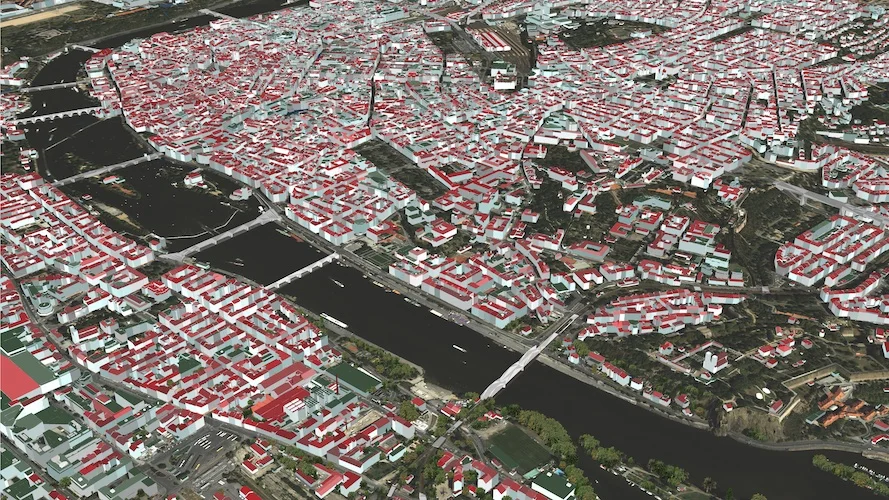
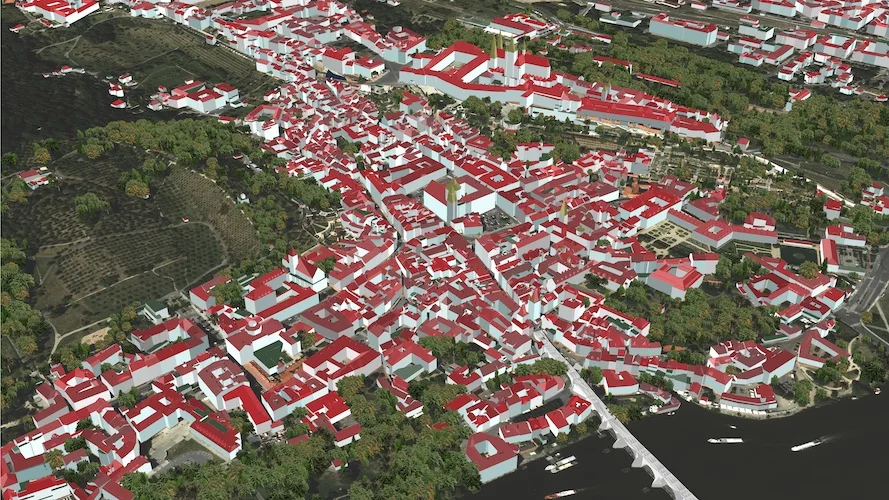
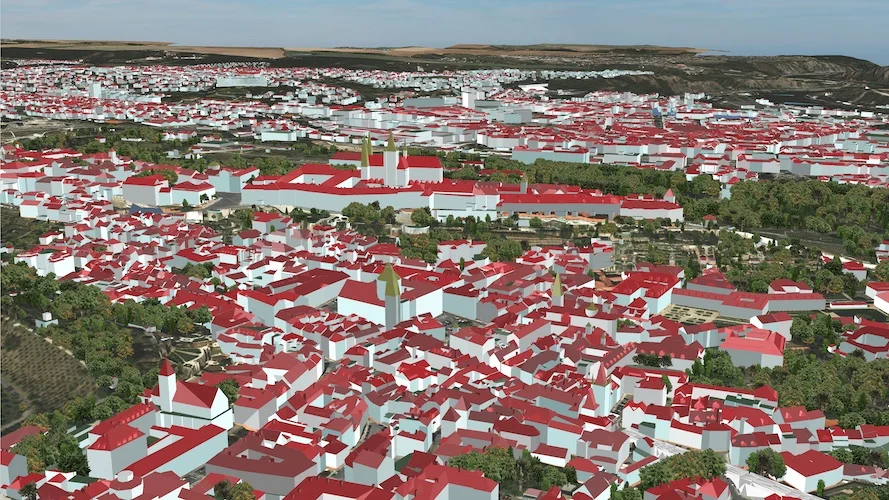
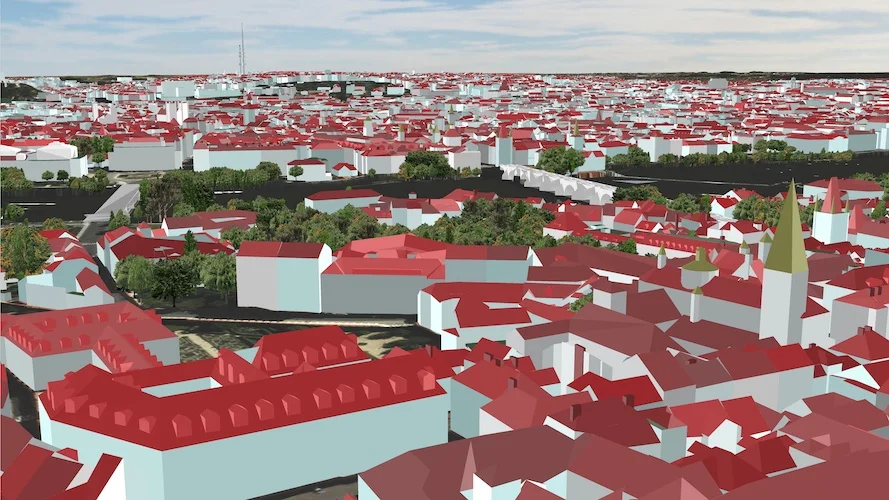
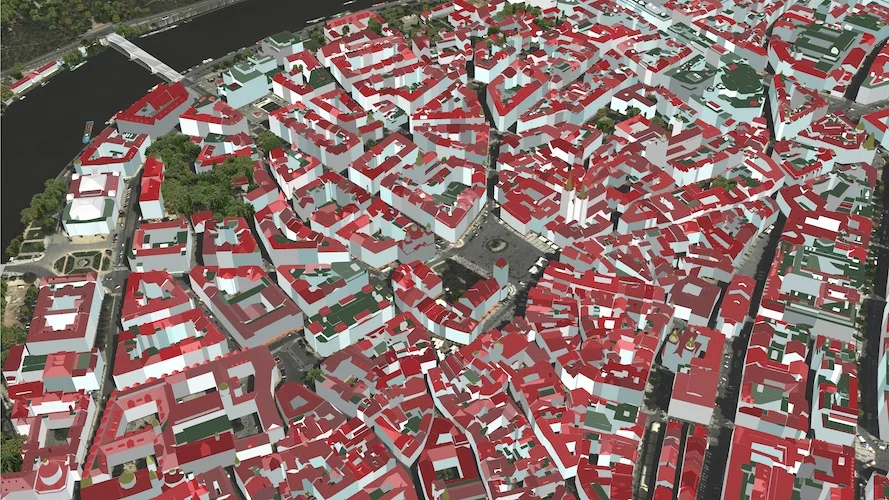
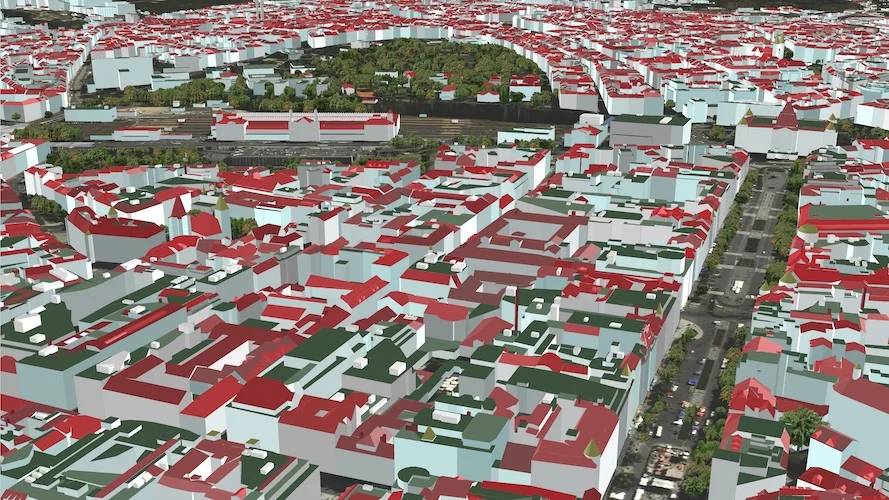
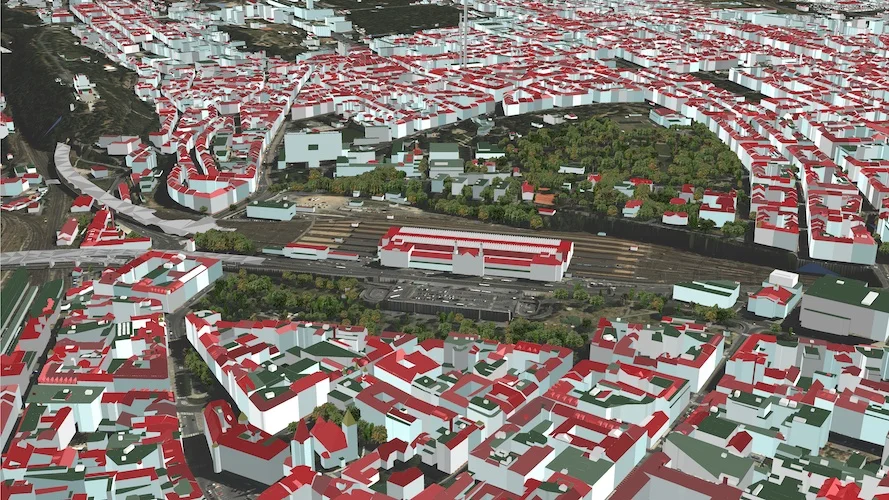
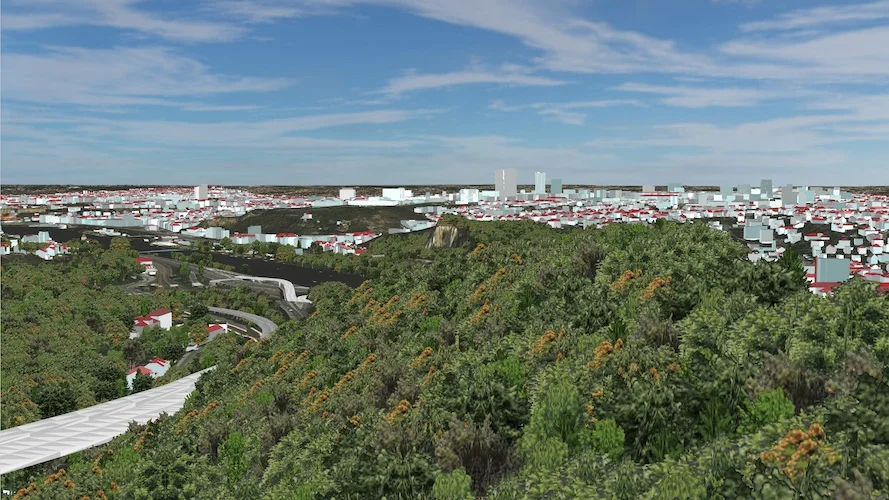
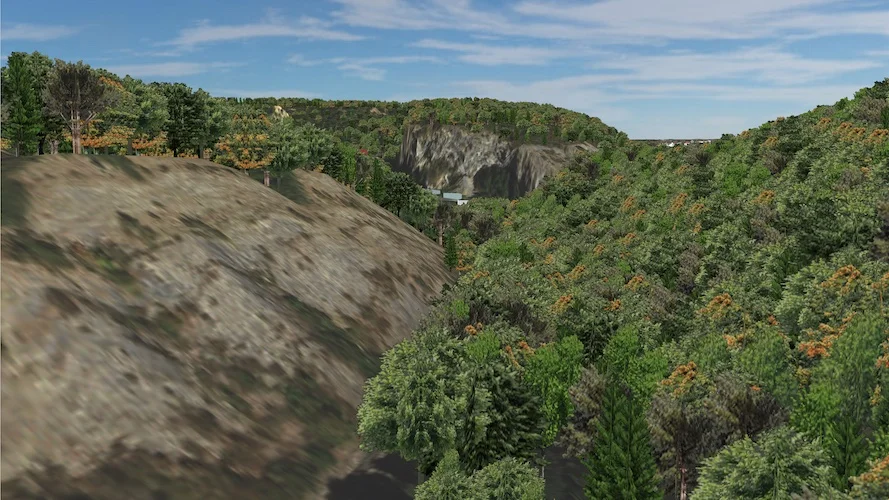
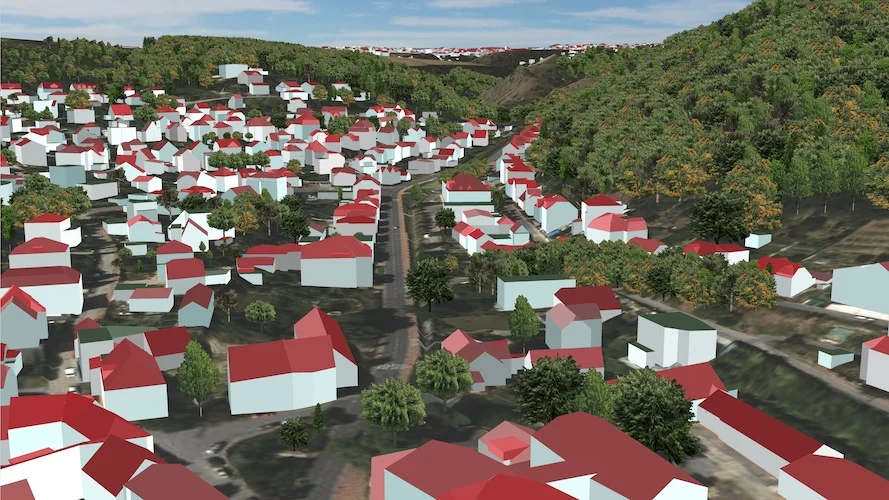
Free fly over the historic heart of Prague. Over 100 km² of city, 250 000 buildings, and more than a million trees — all generated from open data and rendered on our Apple Metal engine.
macOS iOS tvOS AR / Vision (planned)
Watch the demoOver 100 km² of terrain rendered at once — Staré Město, Hradčany, Karlín, Barrandov and beyond. Fly at altitude for the overview, drop down to street level to walk the cobblestones. No scene switching, one continuous world.
The engine is written against Apple Metal 2 in Objective-C; Metal 3 with GPU-side compute translation is under development. A single 4K frame takes 6–10 ms on a base MacMini M1 — leaving plenty of room for the rest of your app on iPhone, iPad, Mac and Apple TV.
Raw geometry and attributes come from Prague's open-data portal. A Linux pipeline downloads, transforms and publishes tiles automatically; hand-edits can then refine individual buildings — including period-correct variants tied to a specific year range.
A superfast modular engine for large landscapes and city visualisation, implemented natively in Apple Metal.
Designed from the ground up for free-fly rendering over large landscapes. A single 4K frame costs 6–10 ms on a base MacMini M1, even before fine-tuning for the target device.
Custom or dynamic model types, Metal shaders, render flows and camera types plug in cleanly. Soft shadows, realistic water, real-time weather and simple games built on the engine are all reachable from here.
Written in Objective-C against Metal 2, with Metal 3 and GPU-side compute translation under active development. Runs on every Apple device on M1+ / A13+ — macOS, iOS and tvOS.
The 3D world is tiled into squares and fragments so that only the exact amount of data needed for the current view is loaded. Background downloads from multiple sources keep the landscape effectively unbounded.
Models are merged into layers — buildings, trees, bridges — each with its own draw ranges, level-of-detail and preload settings. The result is smooth flying across a wide range of devices without one-off tuning per model.
Not yet implemented here. Our CAD assembly engine already ships with AR, so bringing it to the Prague engine is mostly integration work on the Apple-native stack — visionOS included.
Captured from the demo app running on a base MacMini M1 at 4K.
Demo recorded on a base MacMini M1 at 4K resolution.
Or contact us directly: peter.molnar@in3dmodel.com · +420 773 056 567